
Is My Blog Post Worth Indexing? A Practical Test

You hit publish, refresh Search Console, and wait. But before you watch the crawl stats, ask the harder question: should this post even be indexed in the first place? Every page a site publishes is a small bet against the next one, because crawlers, quality filters, and your own internal link equity are all limited. A new draft that asks "is my blog post worth indexing" usually deserves a quick gut check before it joins the index at all.
Table of contents
- Key takeaways
- Why indexing is a quality filter, not a free pass
- How do I know if my blog post is worth indexing? The 5-question gut check
- What does Google actually look at before indexing a new post?
- Should I noindex, rewrite, or just delete a weak post?
- A simple pre-publish checklist before you hit publish
- Frequently asked questions
Key takeaways
- Crawling is not the same as being worth indexing: Google can fetch a URL and still decide not to index it, so a "Crawled, currently not indexed" row is a signal, not a verdict.
- Five questions catch most of the waste — distinct query served, real intent matched, something the page already ranks for doesn't, no thin or near-duplicate twin, and a clear next step for the reader.
- A weak post has three honest outcomes: leave it indexed and improve it, mark it
noindexuntil it earns its place, or remove the URL entirely when it cannot be saved. - Removing beats rewriting when the original query is dead, the page never earned links or traffic, and a better page would have to replace it anyway.
- A two-minute pre-publish check — search the exact title, confirm the page answers one distinct question, scan for thin or duplicated sections — catches most indexing mistakes before they happen.
Why indexing is a quality filter, not a free pass
Google's index is not a publication channel, it is a ranked list of pages the search engine believes are worth showing, and every new URL a site publishes competes for a small slice of that attention. Crawling happens first and indexing happens later, which is why a page can be fetched and still sit in Search Console as "Crawled, currently not indexed" — the crawler did its job, the quality filter simply did not let the URL through. Google's own documentation is explicit that indexing is selective, and that "low-quality content" can be excluded from the index altogether (Google Search Central, "What crawlers and indexing mean").
For a solo publisher, that selectivity changes what "publish" means. Every thin or near-duplicate page a site adds gives it a slightly weaker credibility equation with Google, and Google has been explicit, including in its helpful content documentation, that it prefers fewer, better pages over many shallow ones (Google Search Central, "Helpful Content Update" guidance). A page that should not be indexed is, in most cases, a page that should not have been published in the first place.
How do I know if my blog post is worth indexing? The 5-question gut check
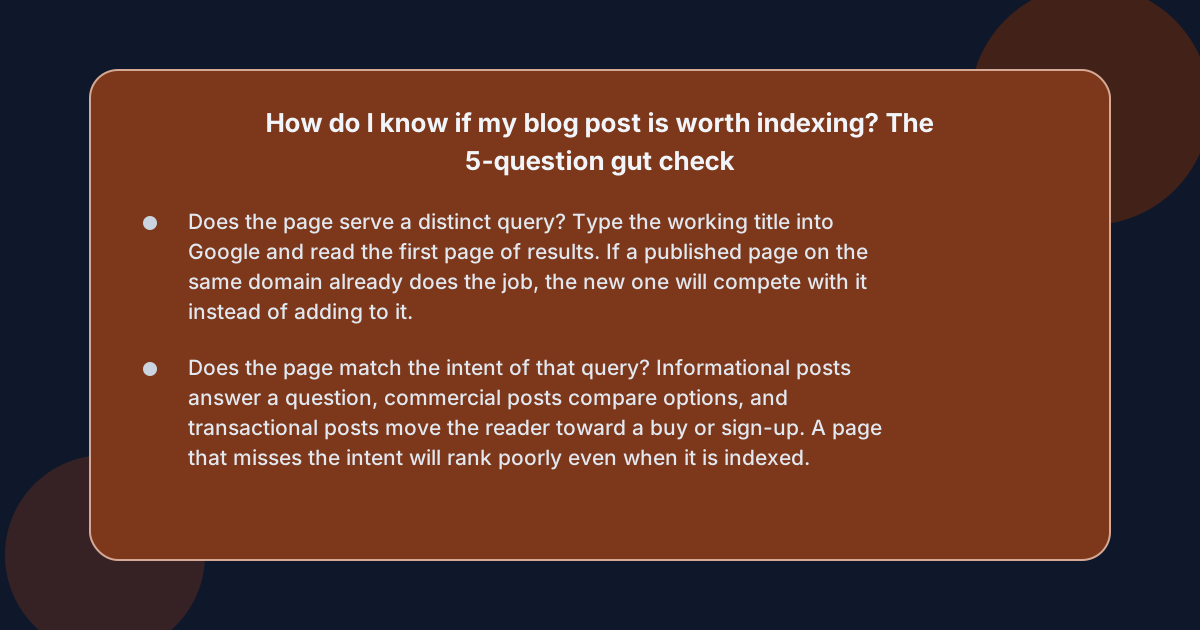 Whether a blog post is worth indexing can usually be decided in two minutes with five plain questions, run before the page is published or before it is left to sit in the index on its own. If any answer is "no" or "I don't know", the post is not yet ready for the index — it needs another pass, a
 noindex tag, or a quiet removal.
- Does the page serve a distinct query? Type the working title into Google and read the first page of results. If a published page on the same domain already does the job, the new one will compete with it instead of adding to it.
- Does the page match the intent of that query? Informational posts answer a question, commercial posts compare options, and transactional posts move the reader toward a buy or sign-up. A page that misses the intent will rank poorly even when it is indexed.
- Does the page add something the existing top results do not? New data, a clearer walkthrough, a sharper example, a worked case. If the post reads like the third version of the same advice, there is little reason for Google to surface it.
- Is the page substantial on its own? A few hundred words of generic advice rarely earns indexing when the same query already has a well-structured guide attached. See the Xt4b blog post on spotting thin SEO content for practical signals that move a post out of the "thin" bucket.
- Does the page give the reader a clear next step? A working internal link, a downloadable asset, a CTA to a product page, or a hand-off to a related guide. Pages that go nowhere weaken the site, and Google has been open about that for years.
What does a "no" answer actually look like?
A "no" to any of those questions usually shows up the same way: a duplicate title tag, a near-identical outline, a word count under 500 with no original media, or a post whose only purpose is to mention a brand name. The signals are dull and recurring, which is why a checklist works better than gut feel. For more on the editorial layer that catches this upstream — the planning step that decides which posts get written in the first place — the Xt4b blog covers SEO content planning from a practical angle.
What does Google actually look at before indexing a new post?
Google's quality filters are not a single checklist, but the public documentation and years of confirmed guidance point at the same handful of signals. None of them is a hard rule on its own; together, they are what the indexer uses to keep low-value pages out of the search results.
Crawl, render, and index are separate steps
A URL can be discovered, fetched, rendered, and still not indexed. The four states in Search Console — "Discovered", "Crawled", "Indexed", and the various "Crawled, currently not indexed" variants — describe where a URL sits in that pipeline. When a post is "blog post not getting indexed" after weeks of being live, the answer is usually one of three things: a quality signal weak enough to hold it back, a technical block, or a URL that the crawler has not yet had time to reach. Google's own page on indexing describes this pipeline step by step, including why some fetched pages are deliberately not added to the index (Google Search Central, "How Search Works: The Indexing Process").
Content quality and the helpful content system
Google has been clear that the helpful content update targets sites whose pages leave readers wanting more, and that "low-quality" is judged per page, not per site. Practically, that means a single weak post on an otherwise strong site is less of a problem than a steady stream of shallow ones — but it is still a problem.
Duplicate and near-duplicate content
Google indexes the canonical version of a page and treats near-duplicates as a single result in most cases. When two pages on the same domain answer the same question in almost the same words, one of them is usually wasted crawl budget and one of them is wasted authority.
Technical blockers
A noindex meta tag, a robots.txt Disallow, a 404 or 5xx response, a soft-404, an accidental noindex in a CMS template, or a redirect chain that ends in a non-indexable URL will all keep a page out of the index regardless of how good the writing is. These are the easy wins — a two-minute check of the page source and the redirect path catches most of them.
Should I noindex, rewrite, or just delete a weak post?
When a post is clearly underperforming and the answer to one or more of the five questions is "no", the next decision is what to do with it. There are three honest options, and each one has a different cost.
Leave it indexed and improve it
Improving is the right call when the page targets a query with real demand, when the post is already earning impressions or a few clicks, and when the gap to a stronger version is small — a clearer intro, better examples, a tighter structure, fresh data. A page with a working title, a real intent, and a thin body is usually fixable in an hour or two. Pages that have sat at zero impressions for months are usually fixable too, but only if the underlying query is worth the effort.
Mark it noindex and revisit later
A noindex tag is the right call for a page that is not worth indexing yet but is worth keeping around for a real reader — a recap of a past event, an internal reference, a hand-off from another post, a draft waiting for its second version. The page stays on the domain, the URL stays usable, and the index stays clean. This is also the right call for thin category pages, internal-only resources, and staged campaign landing pages. For broader questions about whether a post should exist at all, the Xt4b blog covers how an SEO content plan treats these judgment calls upstream, before a weak page is ever published.
Delete the URL and redirect if needed
Deletion is the right call when the page targets a query that no one is making, when it has never earned links or impressions, and when a stronger page would have to replace it anyway. A redirect to the next-best URL is usually worth setting if the dead page has any external links, and a 404 with no redirect is fine if it does not.
A simple pre-publish checklist before you hit publish
A two-minute check before the post goes live catches most of the indexing problems that show up as "blog post not getting indexed" weeks later.
- Search the title. If a page on the same domain already ranks for it, improve that page instead.
- Read the intro out loud. A reader who skips the first 50 words is a reader who never sees the rest, and Google's quality filter reacts to that the same way.
- Count the words and check the media. A 300-word post with no images or examples, and a clean structure, is rarely a good answer to a commercial query.
- Scan for near-duplicates. Same H2s as another page on the domain, or paragraphs that quote from an existing post, are signs to consolidate rather than publish.
- Check the technical bits. A
noindexyou forgot to remove, a 302 that should have been a 301, a redirect chain, a missing canonical — all of these quietly block indexing. - Confirm one clear next step. A working internal link to a related post, a CTA, or a downloadable asset. Pages that go nowhere drag the rest of the site down with them.
A page that passes all six is worth indexing. A page that fails any one of them is worth another pass, a noindex tag, or a redirect — and knowing which one is what turns publishing from a habit into a system.
Frequently asked questions
How long does it take for a new blog post to get indexed?
Most indexed posts appear in Google's index within a few days to a few weeks, depending on crawl frequency, internal linking, and the site's overall authority. A page that has not been indexed after a month is usually held back by a quality signal, a technical block, or both, and that is the moment to run the five-question gut check again.
Should I noindex thin blog posts while I improve them?
Yes, when the page is worth keeping around for a real reader but not yet ready for the index, a noindex tag is the right move. The URL stays usable, the page is hidden from the index until it earns its place, and the site avoids the slow drag of low-quality URLs sitting at zero impressions.
When is it better to remove a blog post than to rewrite it?
Removing beats rewriting when the original query is dead, when the page has earned no links or traffic, and when a better version would have to replace it anyway. A redirect to the next-best URL is worth setting if the dead page has any external links pointing at it.
Does Google's helpful content update target a single page or a whole site?
It targets both. A single weak page on a strong site is a smaller problem than a steady stream of shallow ones, but a single weak page can still be held out of the index when the query has stronger options to surface. The cleanest fix is always per page, not per site.
What is the difference between crawled and indexed?
Crawling is the act of fetching and rendering a URL; indexing is the act of adding that URL to the database Google uses to serve search results. A URL can be crawled without being indexed, which is exactly what "Crawled, currently not indexed" in Search Console means.